---
updatedAt: 2025-10-30T22:20:30.000Z
agentTools:
projectIndex: https://docs.rejoiner.com/llms.txt
---
# Snippets
Snippets enable you to develop global, reusable email components that can be employed across creatives. This is especially effective for email components that are frequently re-used like headers, footers, free shipping blocks, etc.
Should you need to make an adjustment to one of these components, you can make a single change to the snippet and deploy it to all of the creatives that use it.
# Building Snippets
To create a new snippet, click **Creative** in the main navigation, then **Snippets** in the sub-nav:

Then, click **Add New Snippet**:
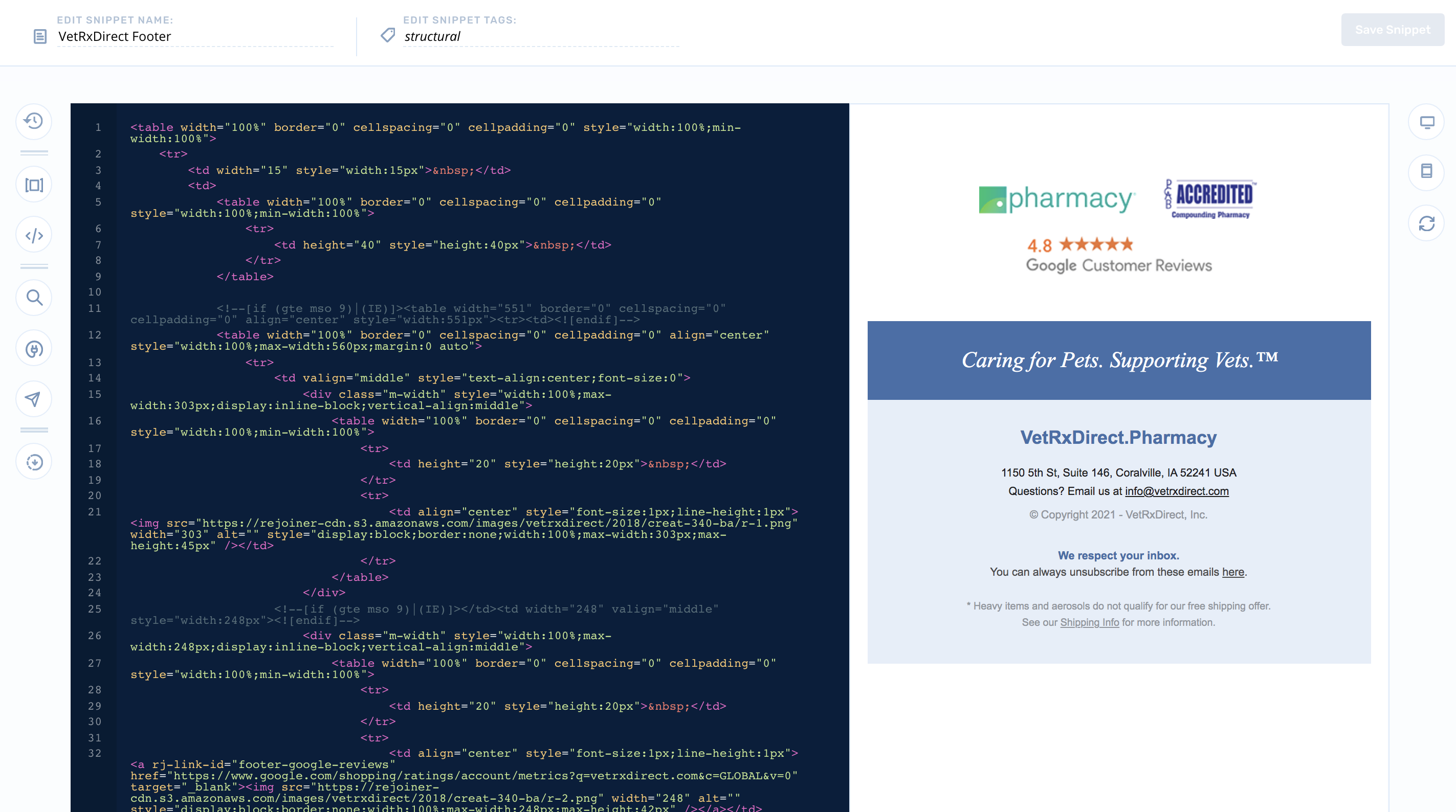
Next, name the snippet and start building. Currently, snippets must be coded using HTML/CSS. If you're not a developer, we recommend using the [Drag and Drop Editor](https://docs.rejoiner.com/docs/drag-and-drop-editor).
# Leveraging Snippets
Once a snippet is developed, it can be injected into an email creative using the snippet's merge tag.
## Advanced Editor
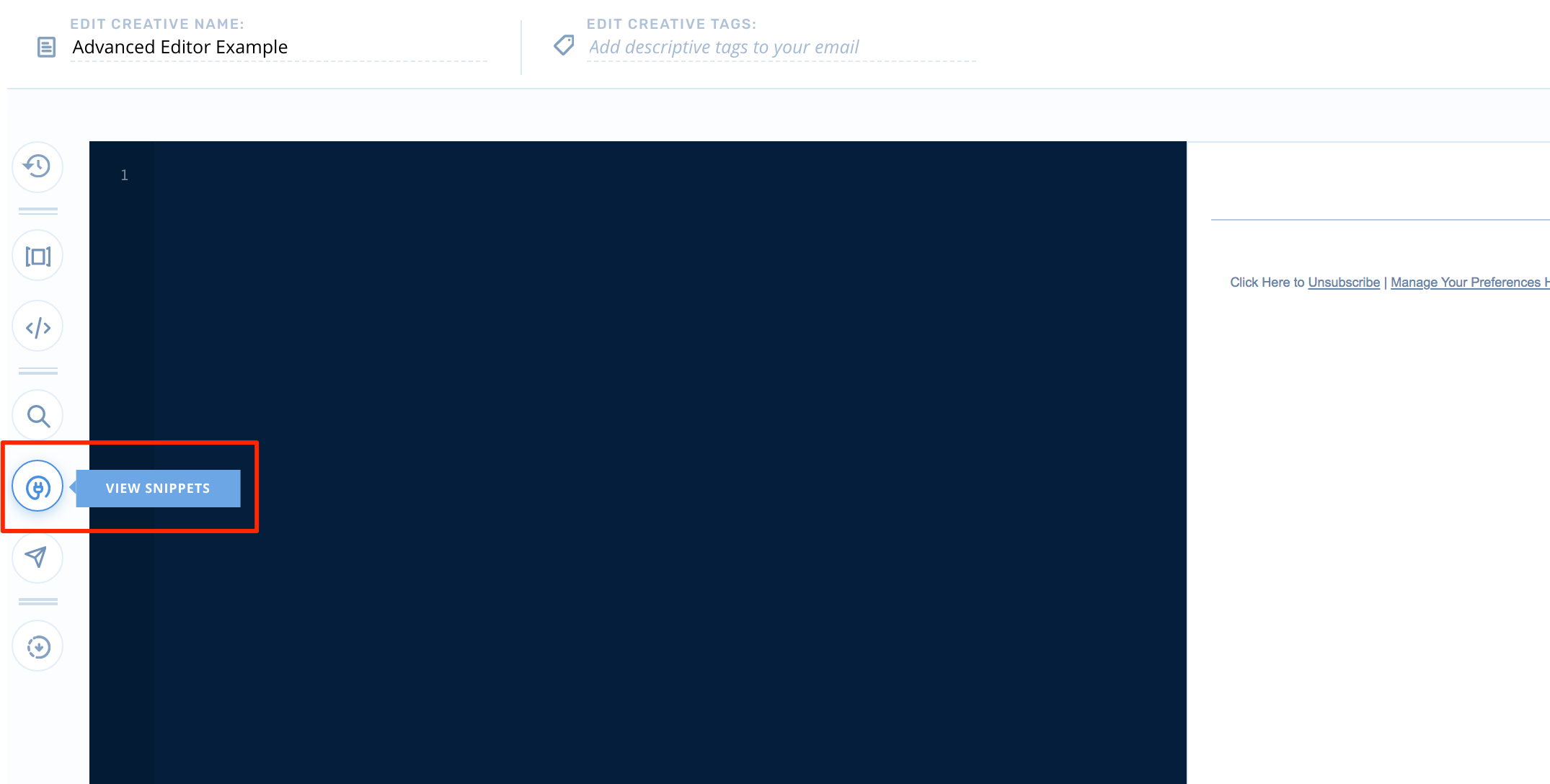
From the editor, start by locating the **View Snippets** icon:
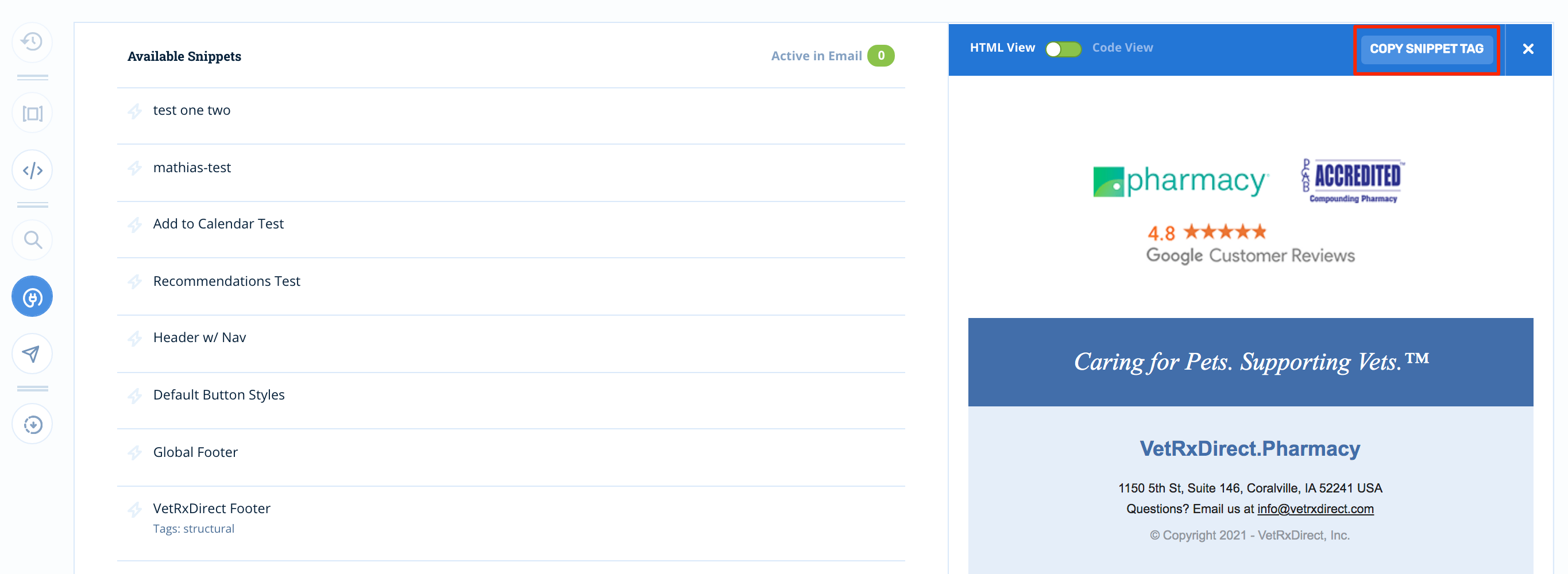
Click **View Snippets**, then find the snippet you'd like to inject into your template code:
Then click, **Copy Snippet Tag**.
Once, you've got your snippet tag copied, you'll transition back into the code editor where you can paste your tag:
## Drag and Drop
You can also access your snippet library from the Drag and Drop Editor using the same process.
> Note: Snippets will not render while you're building in the drag and drop. They will render if you preview the drag and drop template.
## Syntax
The merge tag syntax for snippets is:
`{% include_snippet 'snippet-name' %}`